
Android Auto for BMW NBT EVO
Install Android Auto on the BMW NBT EVO head unit straight from your browser. No new head unit, no retrofit box, and fully reversible.
Your phone’s apps on the BMW screen!
BMW cars with the NBT EVO head unit can now run Android Auto without a new head unit or an aftermarket retrofit box. DiagNodes installs it over an Ethernet cable, straight from your browser, and keeps the original screen and controls.
WHAT ANDROID AUTO ADDS TO THE NBT EVO
- Navigation: Google Maps or Waze with live traffic
- Music and podcasts: Spotify, YouTube Music and other apps
- Calls and messages: hands stay on the wheel
- Voice control: Google Assistant for routes, music and calls
HOW THE INSTALLATION WORKS
- Connect to the vehicle with an Ethernet (ENET) cable.
- Open DiagNodes, choose BMW and select Android Auto.
- Click Install Android Auto. The NBT EVO restarts when the upload is done.
CONNECT THE PHONE
- On the head unit, go to Media/Radio.
- Click Android Auto and select Start Android Auto.
- Go back to Manage Mobile Devices and select Connect new device.
- Select Bluetooth audio and follow the steps on the head unit.
REVERSIBLE IN ONE CLICK
Uninstall Android Auto removes the files and returns the NBT EVO to its original state. Useful before the car is sold or returned.
REQUIREMENTS
Everything you need before you start.
Interface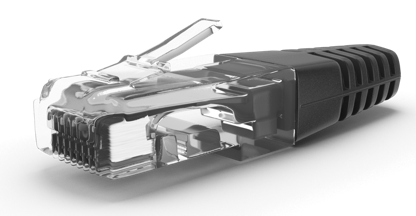 Ethernet connection cable
TOKENS 35 DIAGNODES tokens
Spent from your balance on every run.
35 DIAGNODES tokens
Spent from your balance on every run.
You Have Questions?
In case you can't find what you need please contact us!
Can you add Android Auto to a BMW with NBT EVO?
Yes. DiagNodes installs Android Auto on the NBT EVO head unit over an Ethernet cable, with no new head unit and no retrofit box.
Is the installation reversible?
Yes. Uninstall Android Auto removes the files and reverts the installation. The NBT EVO restarts when the removal is done.
Bluetooth audio is not in the list. What do I do?
A2DP is not coded on the head unit. Code A2DP with BMW Coding in DiagNodes, then connect the phone again.