How it works
Getting Started
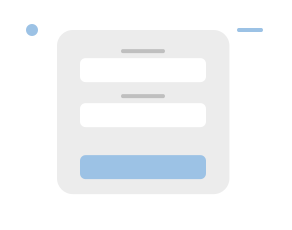

Access your account using your existing Abrites credentials to get started. If you don't have an account, you can quickly register.
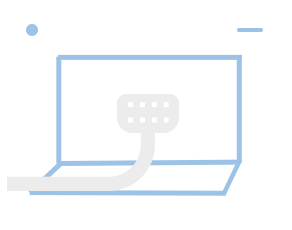
In order to connect to the vehicle, you'll need a companion app. You can install this app on multiple devices, across the globe. It's lightweight, fast, and designed to work seamlessly with the platform. Supports Windows, macOS and Android.
Connect your app to your account by entering the 8-character link code from the platform.
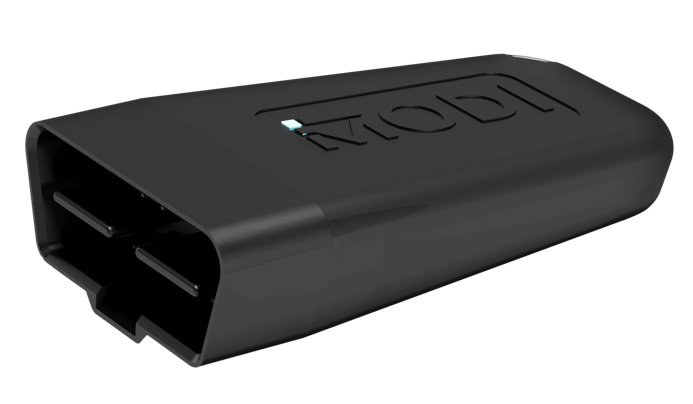
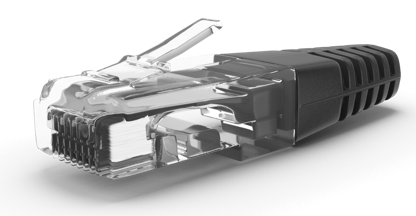
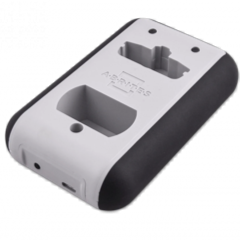
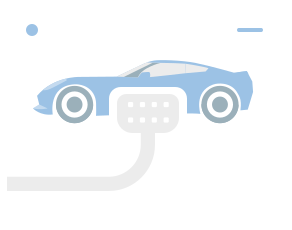
Use Bluetooth or Ethernet to connect with the vehicle. See the list of supported devices below.
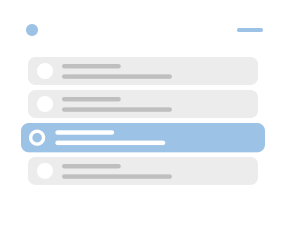
Select from a variety of features based on what you need. Each option includes a quick description to help you decide.
Use tokens to unlock specific features without any subscription. Only pay for the services you actually use.
Video Walkthrough
Learn how the platform connects through your browser, performs diagnostics fully online, and allows you to assist customers remotely - without expensive hardware