Mercedes-Benz Dashboard Configurator
Customize the instrument cluster on supported Mercedes-Benz vehicles straight from your browser. Change the RPM red zone, start-up animation, menus and gear indicator layout, and see the result in a live preview before you code it into the car.
How It Works
- Live preview: switch an option and see exactly what will appear on the cluster before you spend any tokens.
- Matched to your cluster: each option is matched to the specific cluster variant, so you only see the changes your cluster supports.
- Procedure: connect to the vehicle, open Mercedes > Special Functions > Dashboard Configurator, choose your options and code the change.
- Pay per use: token based, with no subscription. You pay only for the changes you code.
What You Can Customize
- RPM red zone: move it to 6,000, 6,250, 6,500 or 7,000 rpm
- Start-up animation: turn on the welcome animation when you get into the car
- Cluster menus: show or hide menus such as Design, AdBlue Level and Engine Oil Level
- Gear indicator layout: crosswise or horizontal
- Warning indicators: adjust selected warning indicator settings
Available options depend on the model, model year, cluster variant, software version and vehicle configuration. We add new options as we test more clusters.
Supported Mercedes-Benz Models
- C-Class (W205)
- E-Class (W213)
- S-Class (W222)
- V-Class and Vito (W447)
- Sprinter (W907)
Requirements
Everything you need before you start.
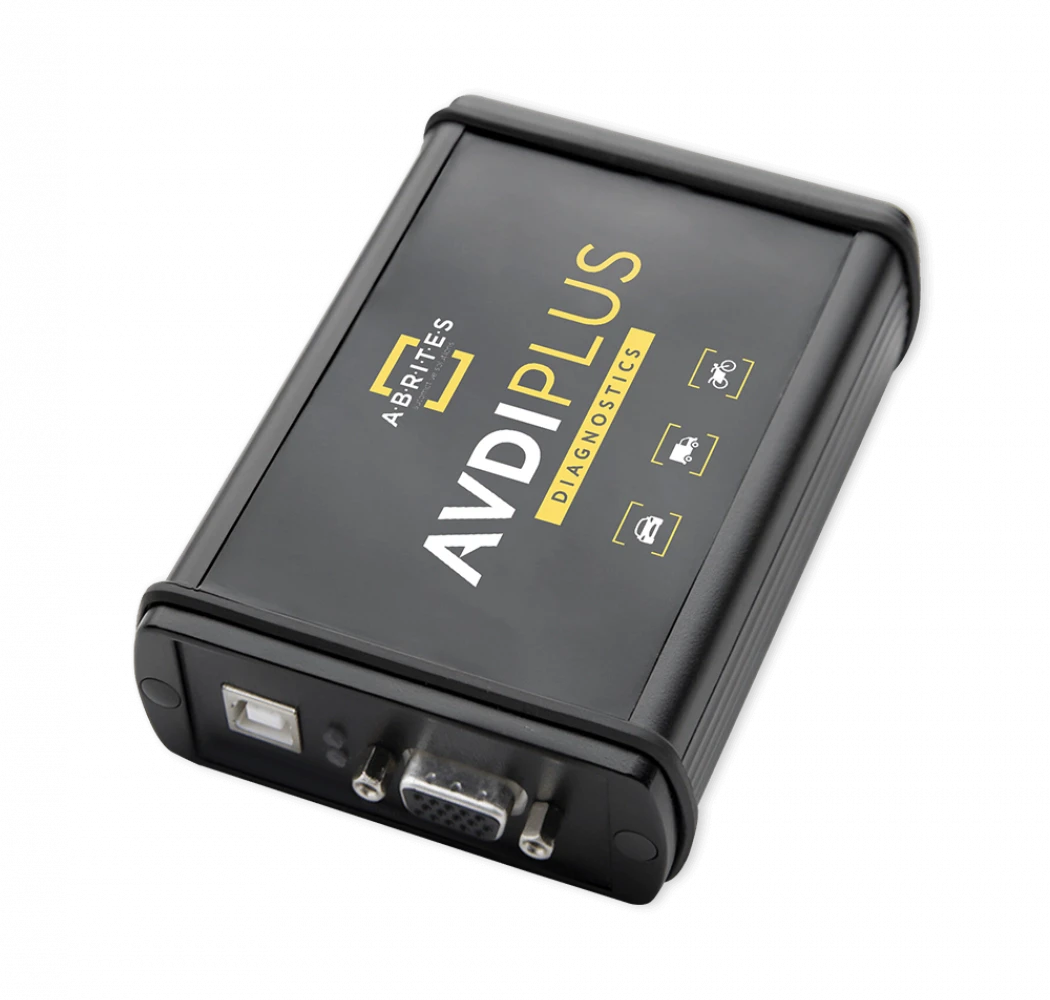
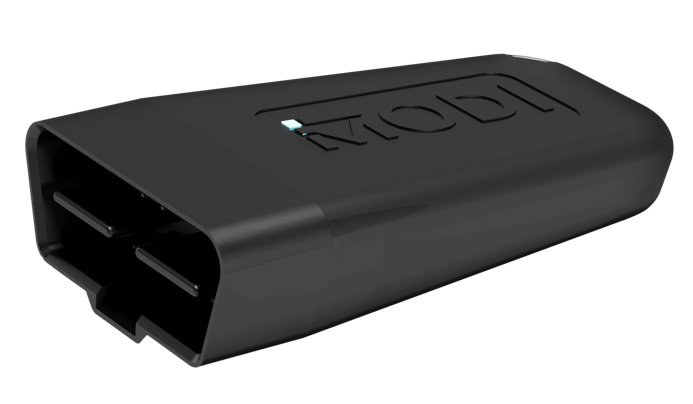
Interface Compatible J2534 PassThru interface
Compatible J2534 PassThru interfaceTokens 25 DIAGNODES tokens
Get tokens now
25 DIAGNODES tokens
Get tokens now
25 DIAGNODES tokens
Get tokens now
Get tokens


All prices are excl. VAT.