AI Helper: Fault Codes Easily Explained
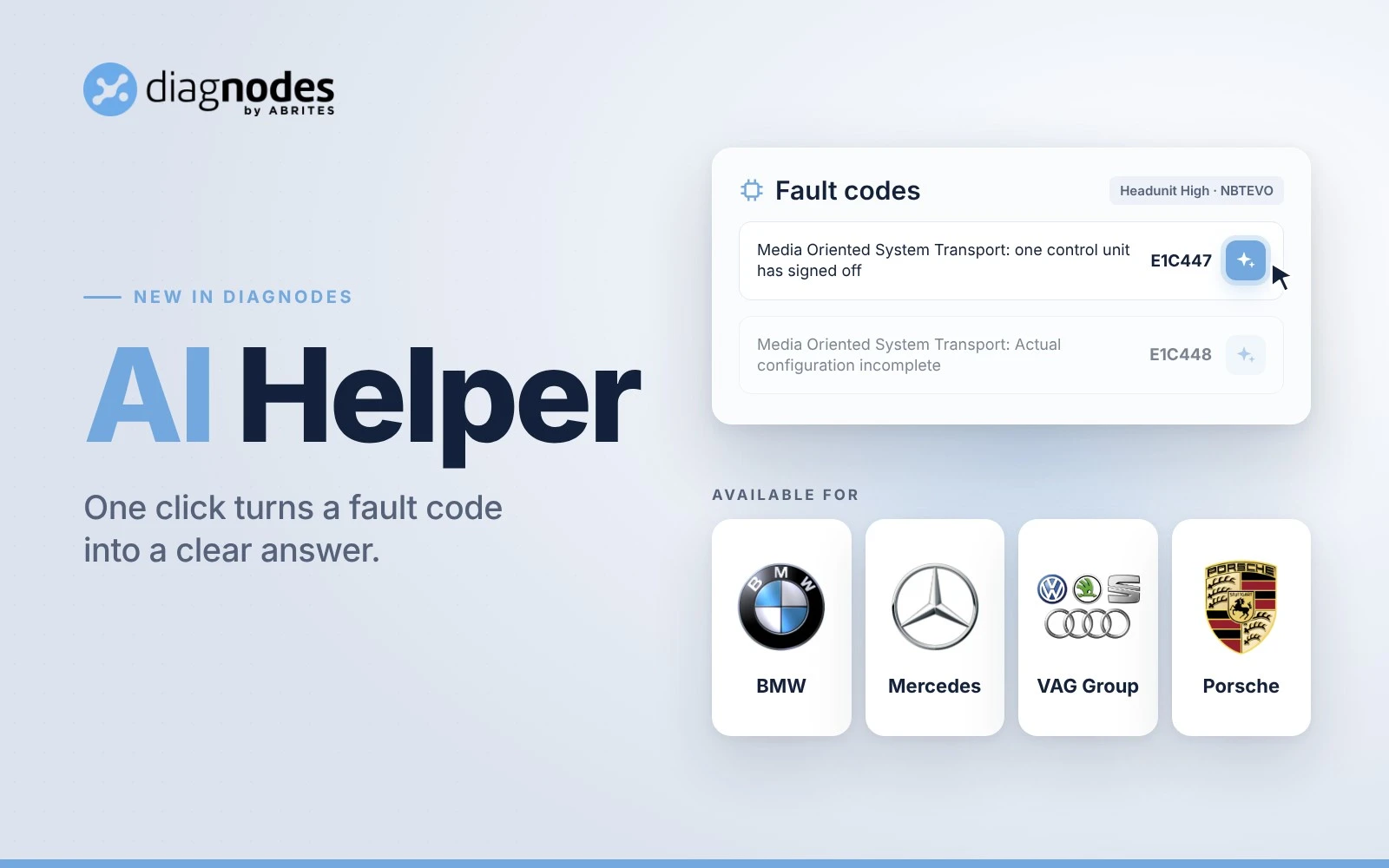
Found a fault code and not sure where to start? AI Helper explains it for you. Click the AI icon next to any fault code and you get a clear explanation of what the code means, what may have caused it and what to check first.
How AI Helper Works
- Connect to the vehicle and start General Diagnostics.
- Open a control module and read its fault codes.
- Click the AI icon next to the code you want to understand.
The answer opens right next to the code, so you stay on the same screen and keep working.
What You Get for Every Code
- Plain language explanation: what the code actually means for this module.
- Possible causes: the most likely reasons behind the fault, from wiring and power supply to a faulty component.
- Next step: what to check first, so you test the right thing before you replace parts.
Example: BMW Headunit Code E1C447
On the NBT EVO headunit, E1C447 reads "Media Oriented System Transport: one control unit has signed off". AI Helper explains that a control unit dropped out of the MOST optical ring while driving. This points to a communication loss, not a confirmed headunit failure. Likely causes: an interrupted MOST ring, a power or ground loss, a faulty MOST device or damaged fibre optics. Suggested next step: run a MOST system analysis.
Available for BMW, Mercedes-Benz and Porsche
AI Helper works wherever DiagNodes offers general diagnostics:
- BMW General Diagnostics
- Mercedes-Benz General Diagnostics
- Porsche General Diagnostics
VAG brands follow with VAG general diagnostics, coming soon.
Try AI Helper on Your Next Fault Code
Open the brand menu in DiagNodes, click Start Diagnostics and look for the AI icon next to your next fault code. New to DiagNodes? Create your free account and get 10 free tokens with the code STARTER10.