
Mercedes-Benz AdBlue Service Reset From Your Browser
Reset the AdBlue system after service or repair.
Finish the AdBlue repair with a clean reset!
Reset the AdBlue system on a Mercedes-Benz BlueTEC diesel after service or repair, straight from your browser, and hand the car back with the system ready to go.
WHEN TO USE IT
- After AdBlue system service
- After replacing an AdBlue component
- When the AdBlue warning stays on after the repair
HOW IT WORKS
- Connect to the vehicle with a J2534 PassThru device.
- Open DiagNodes, choose Mercedes and go to Mercedes Functions.
- Select AdBlue Service Reset and follow the steps on screen.
SUPPORTED MODELS
- Chassis | Model
- W204 | C-Class
- W205 | C-Class
- W212 | E-Class
- W213 | E-Class
- W222 | S-Class
- W447 | V-Class, Vito
- W463 | G-Class
- Diesel engines only.
REQUIREMENTS
Everything you need before you start.
Interface J2534 PassThru
TOKENS 5 DIAGNODES tokens
Spent from your balance on every run.
5 DIAGNODES tokens
Spent from your balance on every run.
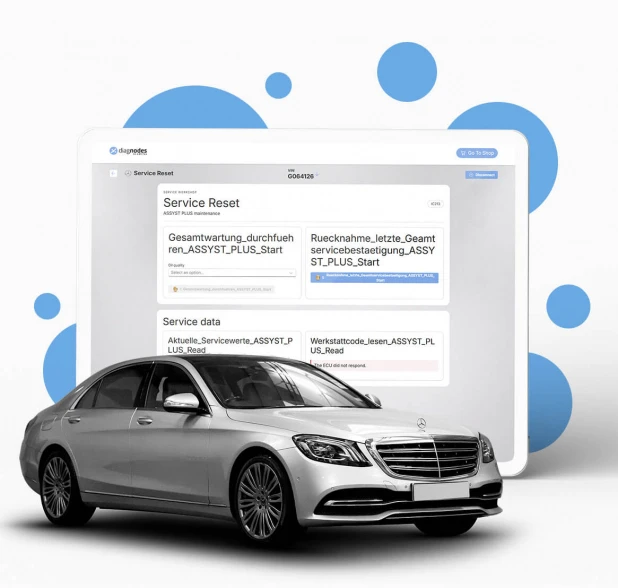
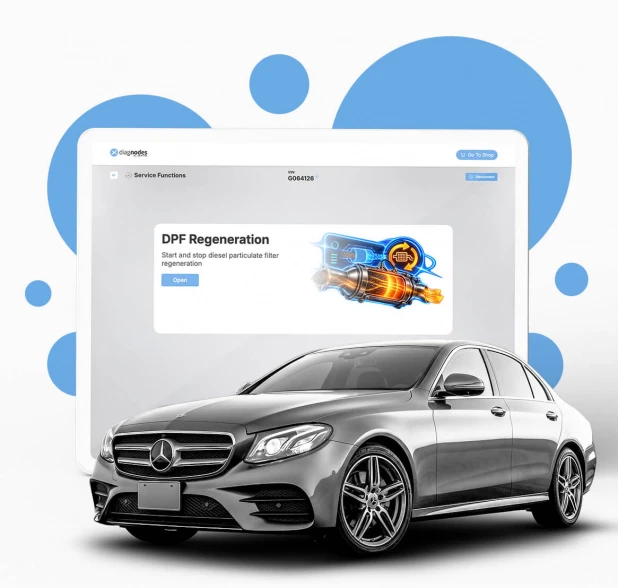
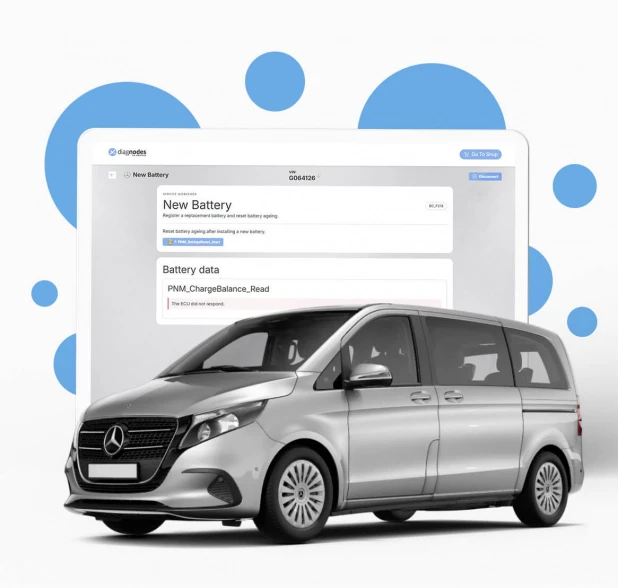
See more Mercedes-Benz special functions

You Have Questions?
In case you can't find what you need please contact us!
What does AdBlue Service Reset do?
It runs the AdBlue service reset routines after work on the AdBlue system.
When should I use it?
After an AdBlue system service, after replacing an AdBlue component, or when the AdBlue warning stays on after the repair.
Does it work on petrol engines?
No. It is for diesel engines with an AdBlue system.